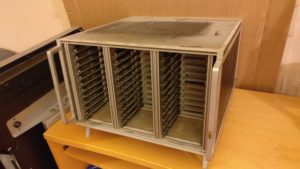
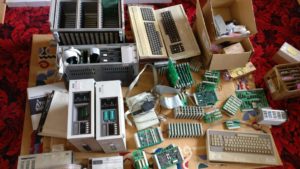
Ok, firstly, apologies for the lateness of this post. The stuff below was actually done a couple of weeks ago, but time has just got away from me. Hence this is being written up 2 days past the closing date for RC2017/4. Sorry Anyway, this part of my challenge involves investigating a rack that came as part of the old stuff that I picked up. Looks like a 3 bay x 12 slot Eurocard rack. Lets take a closer look...
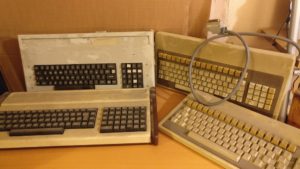
After a visual check of the keyboards (see this post), I had a couple of questions, which were do the keyboards work? and how do the keyboards work?
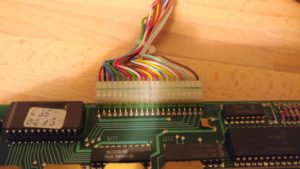
On the basis that neither of the Alphameric had their EPROM windows covered, and that one of the Cherry keyboards had already been modified, I chose the other Cherry one as the most likely to work. After opening it up (again), I checked the 20 pin header. It was quite easy to find out what the 5v and Ground pins were (traceable to the power pins on the logic chips and corresponds to red and black wires on pin 1 & 2!), but the others were going to need something more to diagnose
Time to break out the oscilloscope! It didn't take long to discover that the pins 3-9 changed upon pressing a key. Curiously, they didn't didn't change when releasing the key though. Also, depending on which key was pressed, they might not change at all. Pin 9 was most likely to change and pin 3 was least likely to change.
Next up on the things to investigate is the 4 keyboards Judging by the connectors, it was obvious that these aren't modern (PS2, USB or even 5 pin DIN) keyboards. Likely either a raw matrix or maybe parallel ASCII. Lets open them up and have a poke around!
So, once again Retro Challenge is upon us, and, yes, the timing is offset , but an April challenge should mean that more people are able to participate. To try and stay ahead of the curve this time, I thought I'd get in early and give my excuses for why I failed to complete the challenge this time around. I know most people leave this part until the very end, so hopefully I can impress the judges with my efficiency! The very first weekend in April was the UK Maker Faire in Newcastle (which was awesome, thank you for asking), so that took 3 days out of April for me. Then at Easter the Edinburgh Mini Maker Faire will also be robbing me of 3 days. And, finally, Vintage Computer Festival Europe is on from 29th April to 1st May. So, with travel and prep for these events, I feel like I'll be left with about 4.5 days in which to complete the challenge. Lets see how that works out...
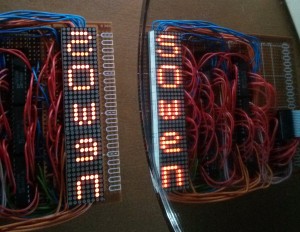
So, you may well remember that I entered Retro Challenge 18 months ago, and what a fun crazy busy time that was! Well, the January Retro Challenge competition is about to kick off in just over 2 weeks. If you're not familiar with Retro Challenge, shame on you! But you can de-shame yourself by heading over to http://www.retrochallenge.org/ and seeing what it's all about. Essentially, it's a month long bi-annual competition where the entrants set themselves a goal based around old school computing and blog, tweet and share their experiences. The goals are pretty loose, as long as they are based on something from last centuary (modern emulators of old kit is fine). The challenge I set myself was to take a breadboard based Z80 computer and bring it to life in modular PCB form in such a way that I could spell out my name on. Have a look back through my blog to see how I did. Spoiler ---->
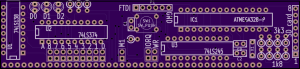
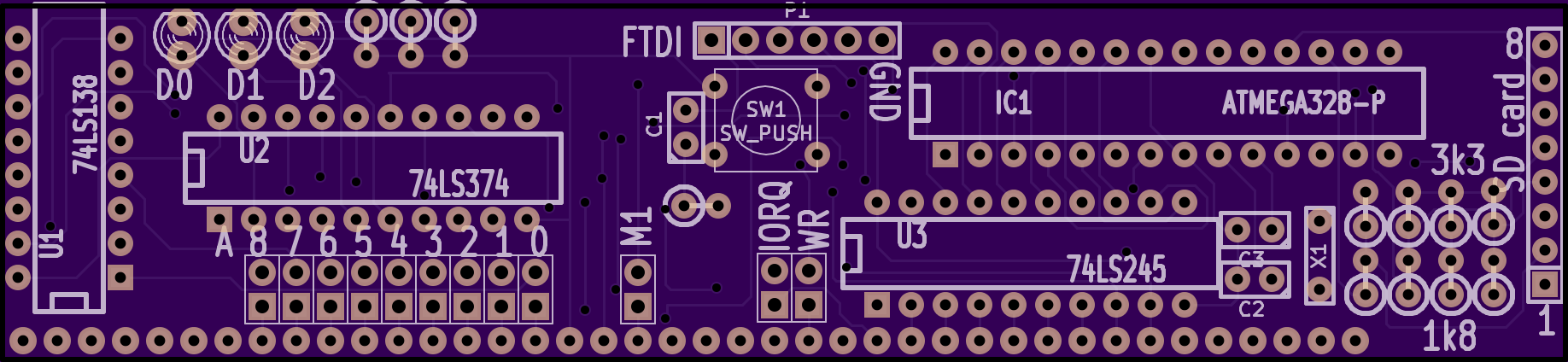
So, the RC2014 is great. I can run Microsoft BASIC and program it from there, and as long as I am using a terminal emulator, I can copy & paste to save and load programs. Alternatively, I can write Z80 code using an online compiler then download it, copy it to USB stick, move it to my old Windows 2000 laptop (which has a parallel port) so I can burn it on to EPROM to see if it works, make adjustments and repeat with another EPROM. I will be the first to admit, however, that this is probably not the most efficient workflow. Not to mention the time and effort involved in wiping the limited stock of aged EPROMS. So, I am in the process of designing an SD Card based bootloader.
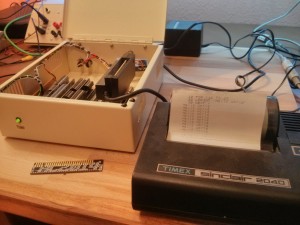
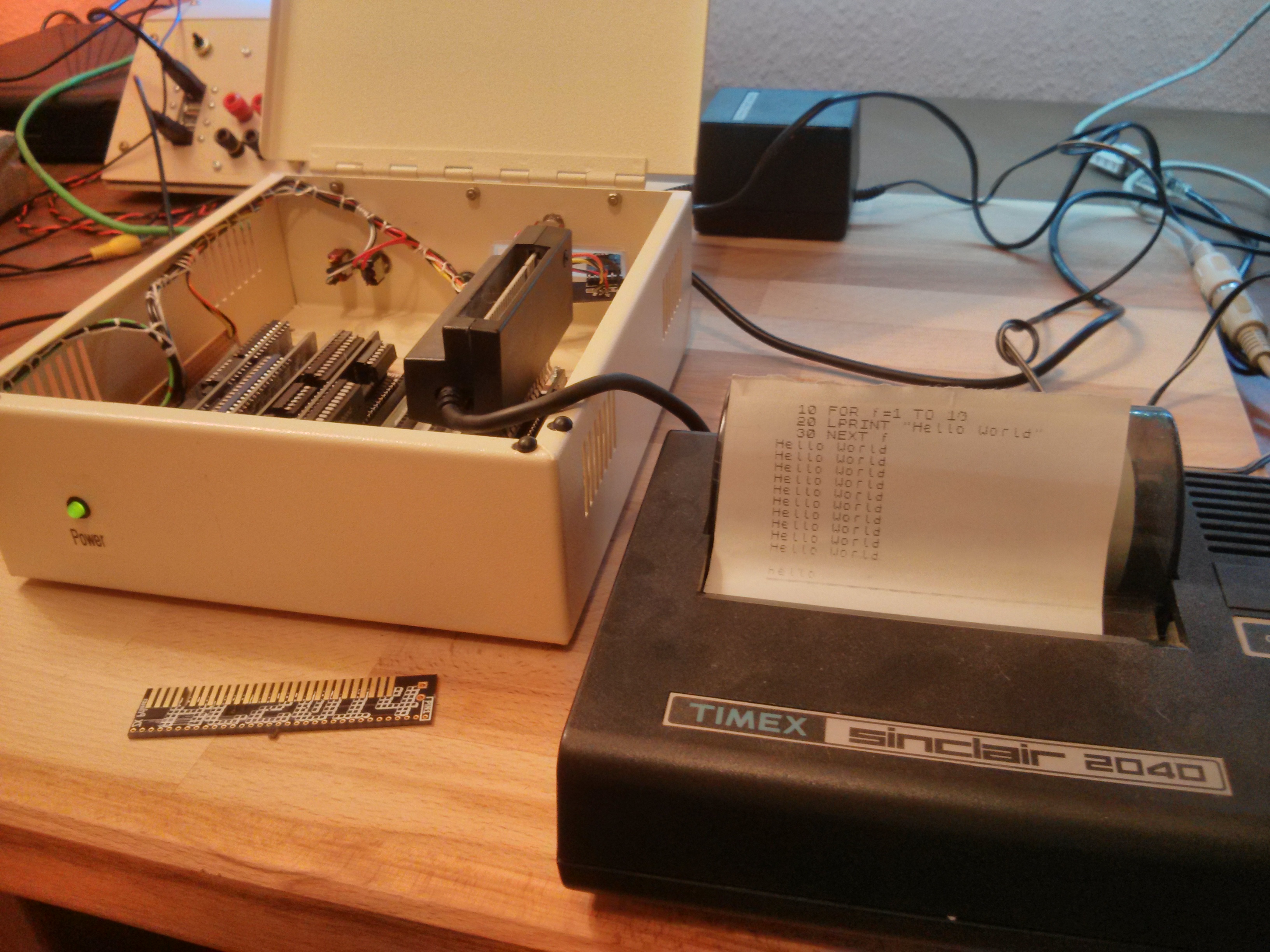
My original plan had never been to design and build my own computer. I had, however, planned to build a clone of the Sinclair ZX80, which has been on my bucket list of things to own for year, and which I had found plans for online. Whilst collecting the parts and reading up on simple Z80 computers I got kind of sidetracked and ended up with the RC2014. The heart of the RC2014 is a Zilog Z80 CPU, which is the same one that Sinclair used in the ZX80, ZX81, ZX Spectrum and Z88. If the ZX81 and ZX Spectrum can run a ZX Printer, then surely it follows that the RC2014 will be able to too?
I guess this is kind of a follow up to my Retro Challenge posts, as it was thoughts that stemmed from teaching myself Assembly Language for my Z80 project. Essentially it is a comparison between programming in the 70's and today against building with Lego in the 70s and today. But before I get stuck in, can you identify this famous TV family from a few crude Lego bricks?