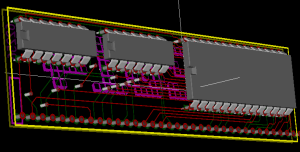
Hokey cokey, that's the first 4 printed circuit boards for the RC2014 (Oh, did tell you I've named my homebrew Z80 computer "RC2014"? Pretty catchy name, eh?) ordered with OSHPark. If they arrive as quick as other boards I've had from there before, then I should have 11 days to get everything put together and working! All 4 boards look fairly similar, being a CPU board, RAM and 2 variation on ROM, but here's the 32k RAM board;
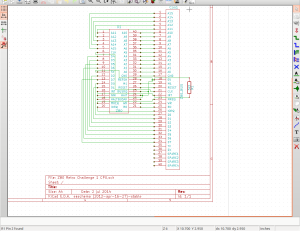
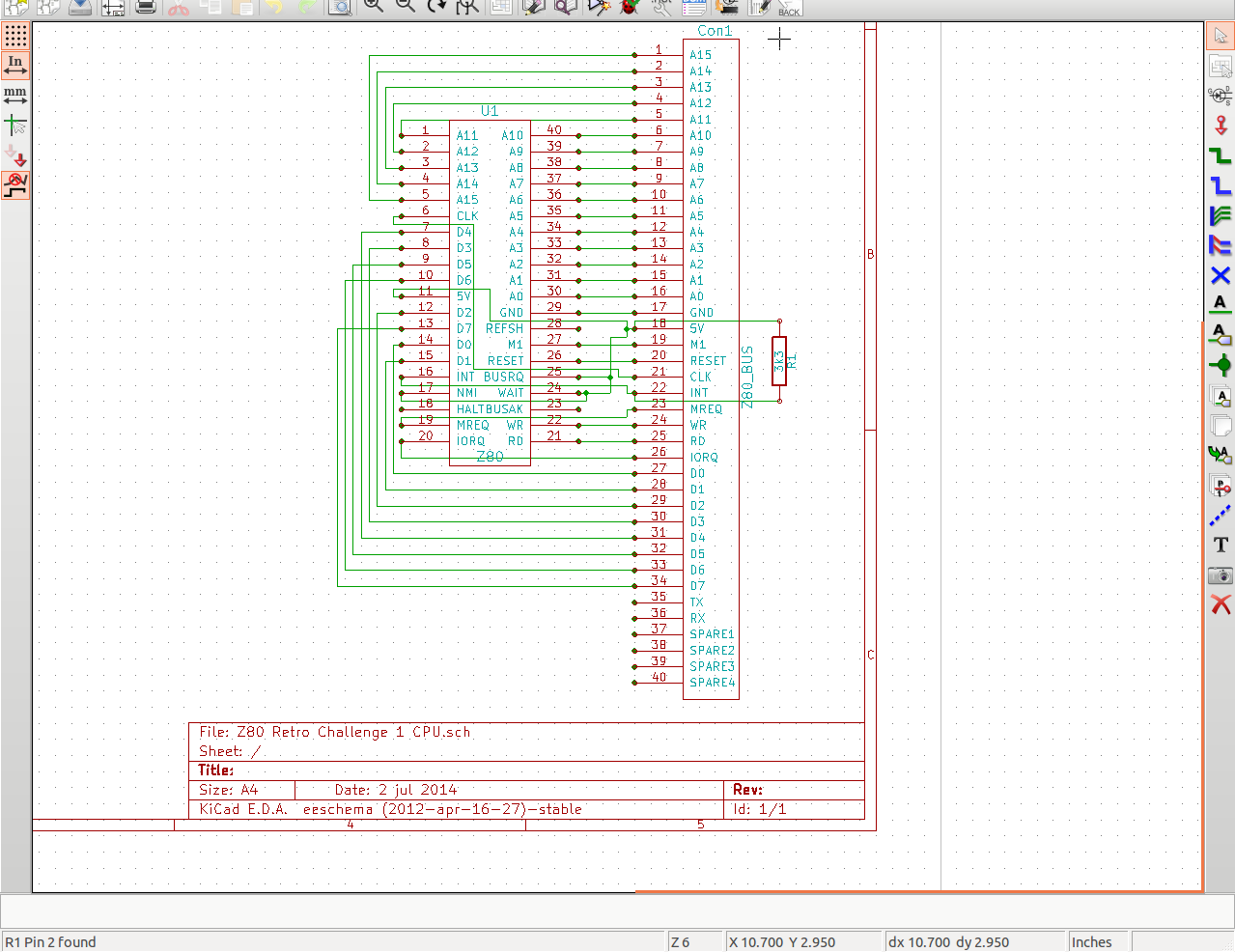
So, this is Day 2 of the Retro Challenge. In case you're wondering what happened to Day 1, well, Day 1 happened to fall on Pub Night, therefore I was better off giving everyone else one day head start than having a go and probably putting myself back at least a week! If you've read my posts on Retro Challenge so far, you'll know my first priority is to get about half a dozen or so Printed Circuit Boards designed and sent off to the fabricators. The tool I am using to do this is KiCad, and the basic workflow is lay out the electrical circuit schematic, create a list of component, match the components up to footprints, lay the footprints out on a board, join up the various pads then create gerber (manufacturing) files. I have decided to build my Z80 computer in a modular format, with lots of fairly basic PCBs to make up the whole thing. This should give me flexibility in how I use it and what I do with it going forward. It also makes the boards easy to design and lay out, and, if necessary, easy to troubleshoot too. So, with that in mind, I set out this evening with the goal of making the electrical schematic for at least 5 boards. Starting with the CPU board, which comprises of 1 chip, 1 connector and 1 resistor. Simples! KiCad uses libraries of components, so when you lay out a circuit you can pick a resistor, a capacitor, voltage regulator etc. It's got loads of chips in the default library that comes with it, but, as I discovered this evening, no Z80! I tried finding a library on line that had one, but couldn't get anything that worked. So I had to design my own component - a 40 pin IC! Then, the connector I was going to use was for my Z80 bus, and that had my own designed layout, so that's another 40 pin component I had to design! Luckily, a regular resistor was already available! So, join the appropriate pins up, and voila! A schematic!
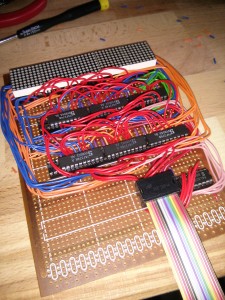
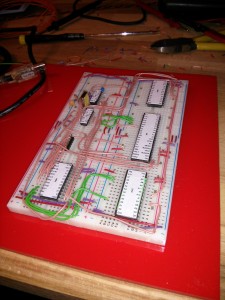
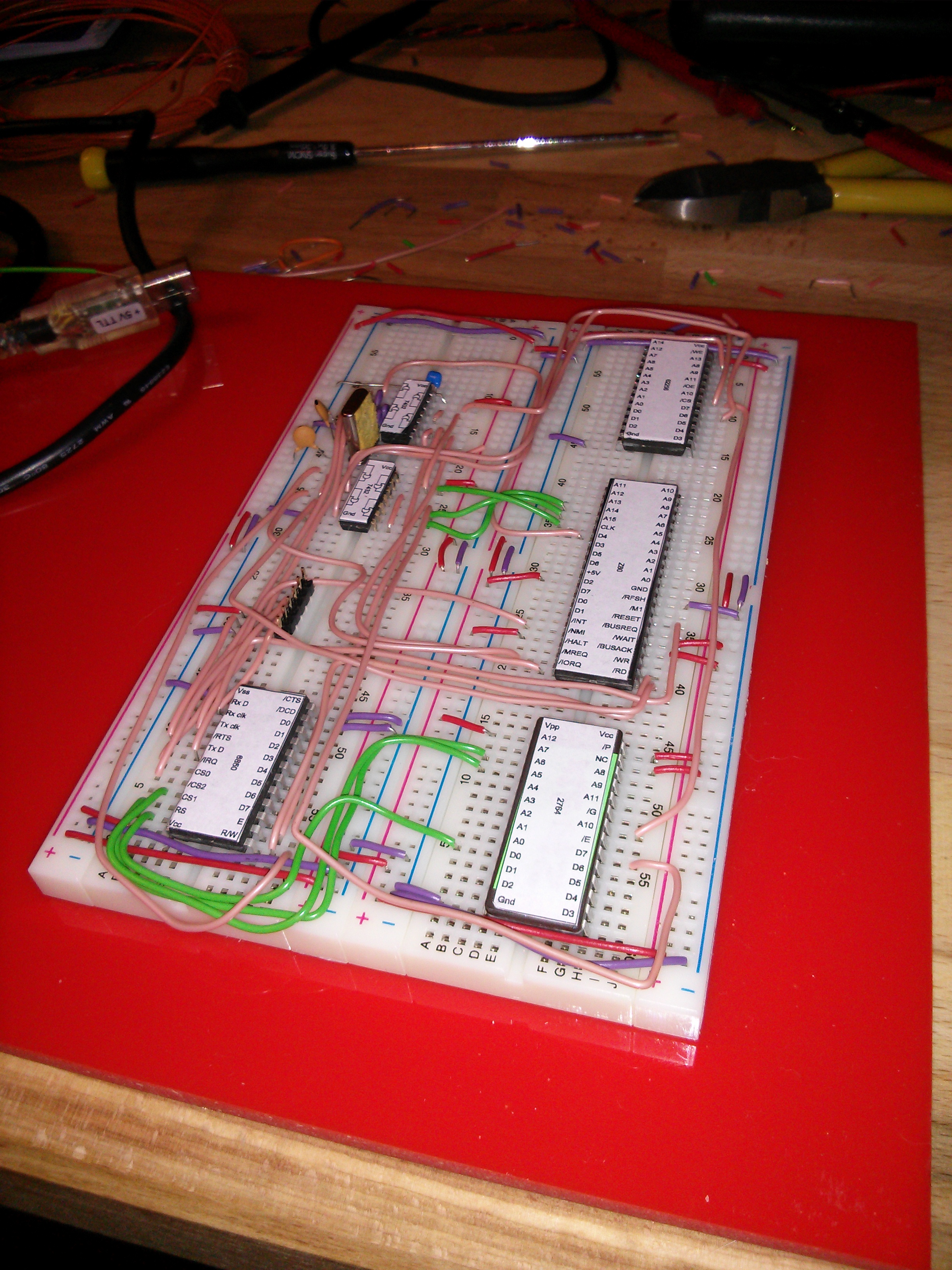
Ok, so tomorrow the Summer RetroChallenge 2014 starts, so I thought it would be a good idea to bring you up to speed with what I've got so far so that you know where I'm starting from. I will also outline where I'll be taking things for the RetroChallenge as well as where this project may go in the future. So, in December 2013 I started poking around the internets for some ZX80 info, and I stumbled upon Grant Searles website. More specifically, he had the schematics for a Z80 based computer and a ROM with Microsoft BASIC on it. So, over Christmas I got out my breadboards and built it up pretty much as per the schematic.
I have always wanted to enter Retro Challenge, ever since I first heard of it nearly 24 hours ago. I followed a link that took me to http://retrochallenge.net/ and I read up on what it was all about, scrutinised the rules and checked out what others were doing. I quickly came to the conclusion that I could give this a thing a go. All I needed to do* was come up with a suitable challenge for myself.
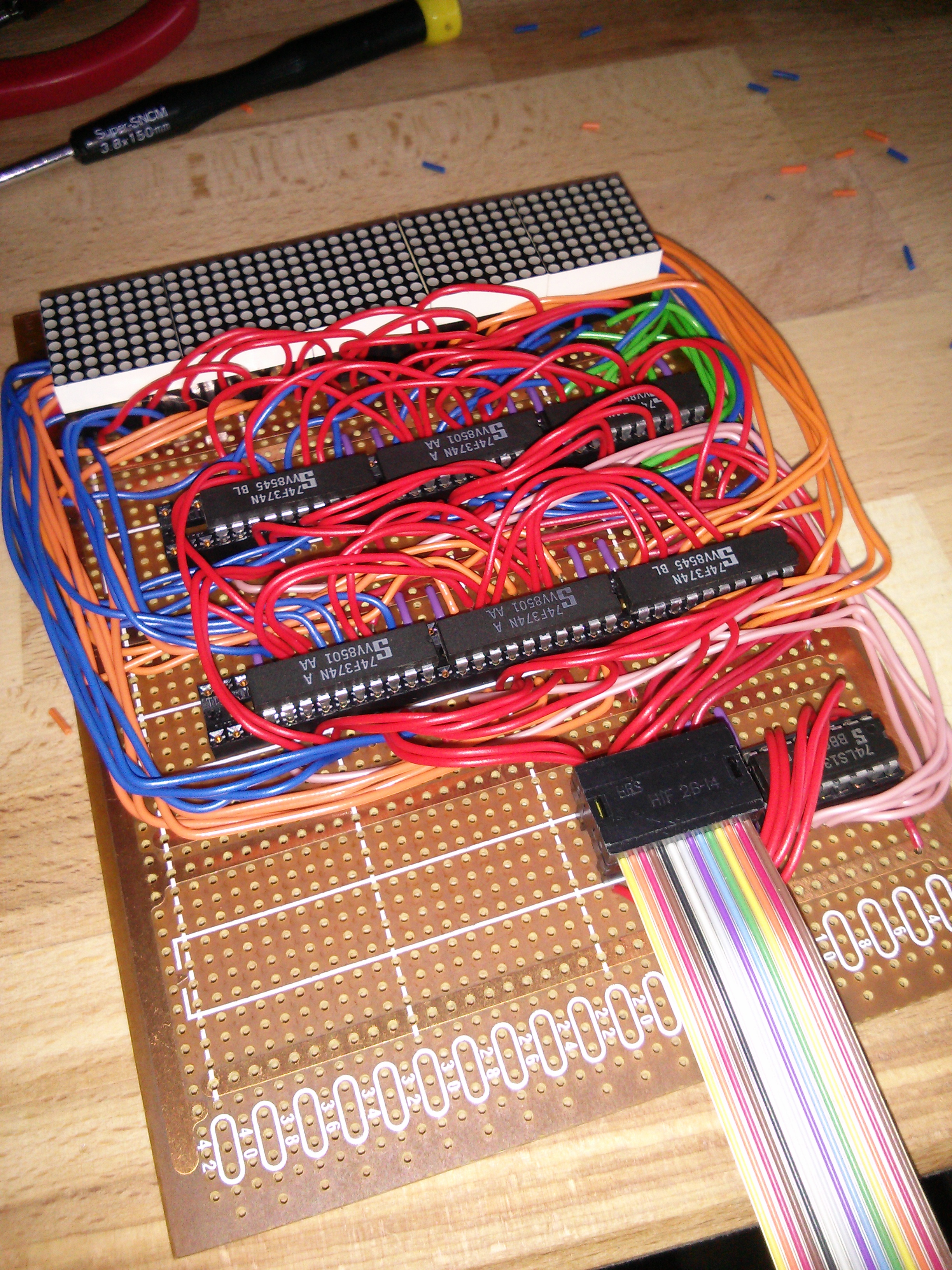
I have decided to make my name appear in LED lights.
So an email was sent to the competition organisers;
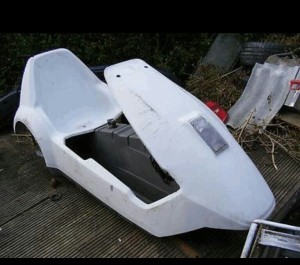
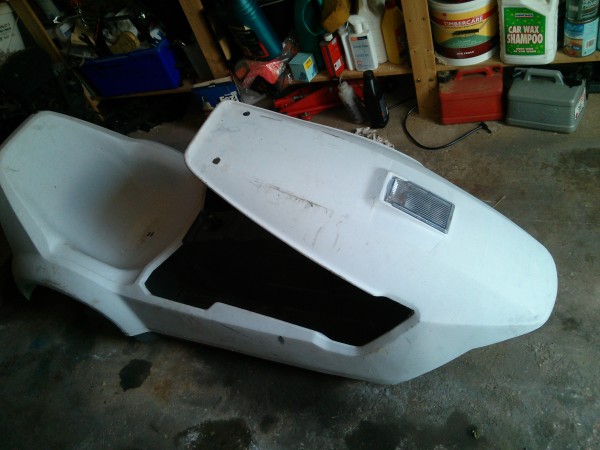
Back in July 2013, someone in the office mentioned the beautiful iconic 80's disaster that is the Sinclair C5. Inevitably someone asked what they're worth now, and apart from the fact they cost £400 new, was dropped to £199 shortly after and then the price plummeted like a stone, I had no idea. So I turned to the reliable font of knowledge in these things; eBay. Generally, they were going for more than I expected, then I came across this sorry little thing With 4 days to go, the price seemed far too low, despite it being described as "Spares or repair", so, just for curiosity sake, I decided to watch the auction. With 15 minutes to go the price was still too low, so I bid a stupidly low price... and was the highest bidder! But with 2 minutes to go, I got outbid! Well, the eBay red mist had descended, and I wasn't having any of that, so I bid again... and won it for £34.56! What the hell was I going to do now?
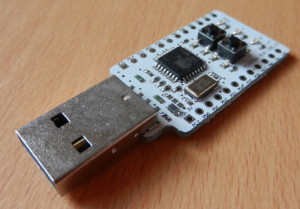
A little while back, Nottingham Hackspace got the opportunity to buy a bunch of Minimus V1 AVRs at a very good price. Not being one to turn down a bargain, I bought a few of these little critters to see what they can do. On paper, they look great. USB programmable micro running an Atmel chip similar to an Arduino (so possibly compatible with the Arduino IDE), in a package slightly bigger than your average USB stick but with a couple of buttons, LEDs and all the pins broken out.It turns out that there's a lot of misleading, conflicting, partial, out of date, or hard to follow info out there, not to mention that most of it is for the Minimus V2. I had the V1, so struggled to get it to do anything exiting at all for ages. After a very frustrating day of trying stuff, following dead links and generally wasting a lot of time, I got some joy with the Arduino IDE. To save you the hassle, read on for what worked for me.