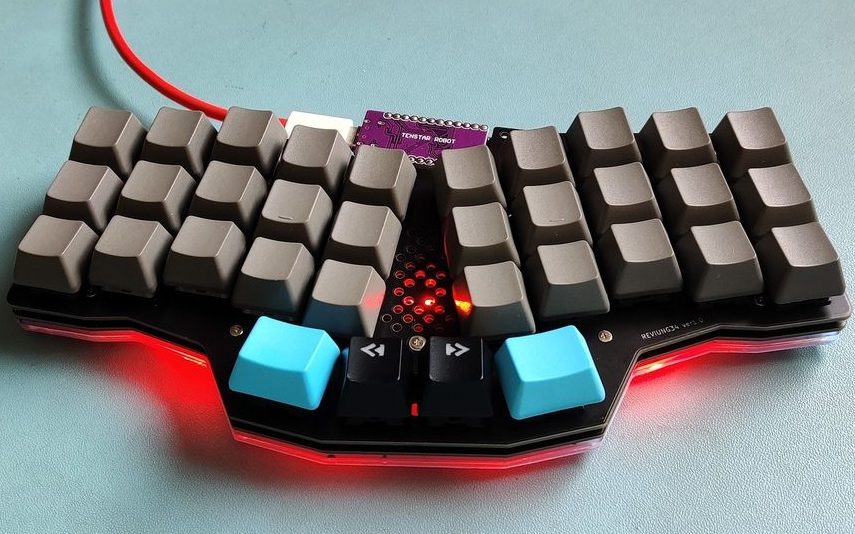
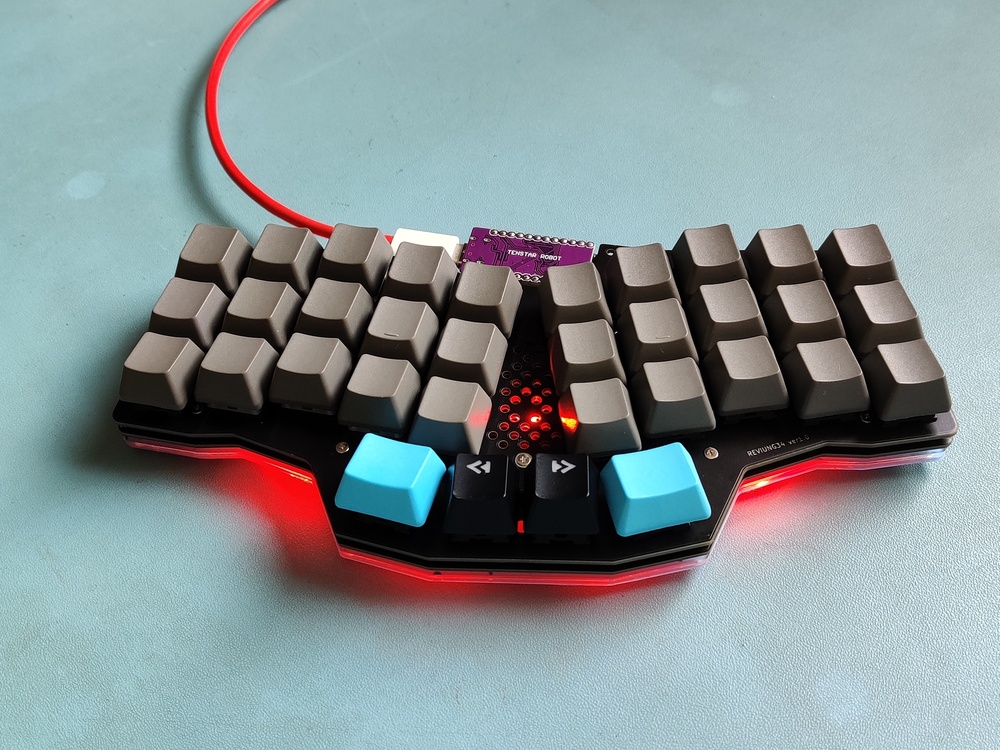
Like many people, I had seen wild crazy looking mechanical keyboards, and had been both fascinated and confused by them. How could you get by with so few keys? What does each key actually do? They looked like some kind of wild alien input device, but, at the same time, must work well otherwise the fad would have died out years ago. The high cost and fear of failure, thought, was enough to put me off of trying them out.
While attending OSHCamp earlier this year, a talk by Alan Wood explained a lot of the ideas behind these keyboards, and answered a lot of my questions - except for one; Would I be able to cope adjusting to one?
After a visual check of the keyboards (see this post), I had a couple of questions, which were do the keyboards work? and how do the keyboards work?
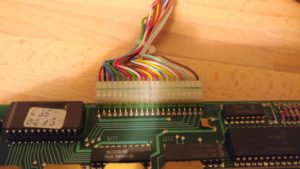
On the basis that neither of the Alphameric had their EPROM windows covered, and that one of the Cherry keyboards had already been modified, I chose the other Cherry one as the most likely to work. After opening it up (again), I checked the 20 pin header. It was quite easy to find out what the 5v and Ground pins were (traceable to the power pins on the logic chips and corresponds to red and black wires on pin 1 & 2!), but the others were going to need something more to diagnose
Time to break out the oscilloscope! It didn't take long to discover that the pins 3-9 changed upon pressing a key. Curiously, they didn't didn't change when releasing the key though. Also, depending on which key was pressed, they might not change at all. Pin 9 was most likely to change and pin 3 was least likely to change.
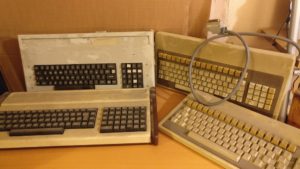
Next up on the things to investigate is the 4 keyboards Judging by the connectors, it was obvious that these aren't modern (PS2, USB or even 5 pin DIN) keyboards. Likely either a raw matrix or maybe parallel ASCII. Lets open them up and have a poke around!